



By Chinua Albert Okafor @TheRoboRai Click to Subscribe to his Youtube Channel
A month ago, YouTube announced it was bringing Picture-in-Picture support to iOS. This long-awaited feature appears to finally be available, though possibly for just a limited time and currently only for YouTube Premium subscribers. What you need to do is here.
Visit www.youtube.com/new if you are a YouTube Premium subscriber. When you reach "Picture-in-picture on iOS" click "Try it out." You'll need to sign in to your account. Once you're done viewing a YouTube video, you can use the home button or swipe up to exit the YouTube app and picture-in-picture will begin. During PIP use, locking your phone screen will pause the video. However, using the media controls on the lock screen, you can choose to resume it.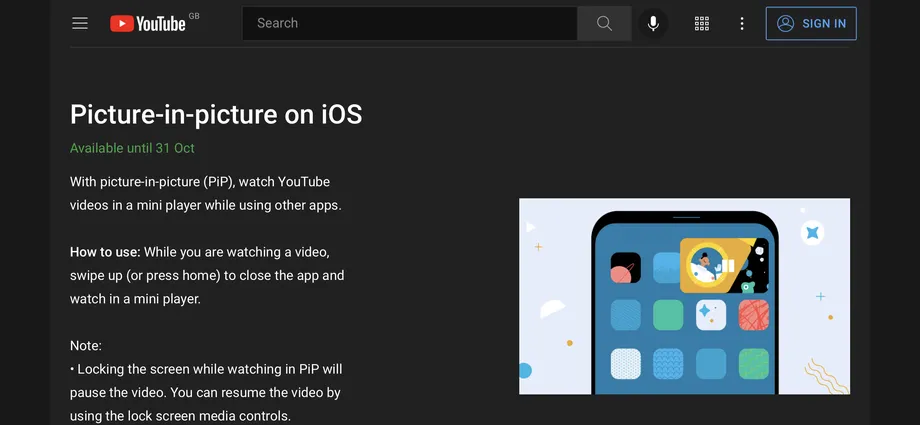 Head to www.youtube.com/new to enable the experimental feature. Image: The Verge
According to 9to5Google, some users have been able to use the feature on both iPads and iPhones, but access is unpredictable. (Apparently deleting the app will fix the problem.)
We don't know what happens after this date, since YouTube says that the feature is "Available until 31 Oct." It is my hope that YouTube will bring the feature to everyone, not just its paid subscribers, as they promised in June.